

Export Quizzes Answers for LearnDash
Export user submitted LearnDash export quiz answers instantly in a downloadable spreadsheet. Simplify reporting, track student progress, and analyze results with ease in WordPress.
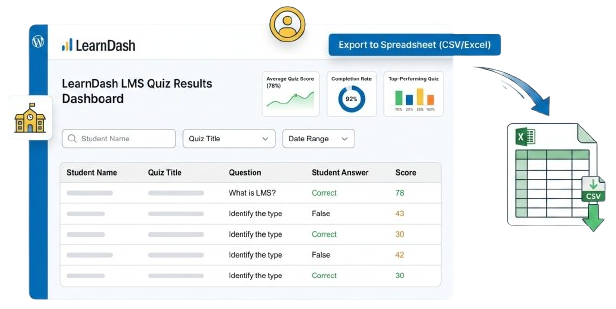
Effortless LearnDash Export Quiz Answers for Performance & Compliance
LearnDash Export Quiz Answers is a powerful LearnDash quiz plugin that allows administrators to quickly export user submitted quiz responses into a structured spreadsheet. Whether you’re managing a small course or a large eLearning platform powered by the LearnDash LMS plugin, this tool makes it easy to download detailed quiz data including student names, quiz titles, questions, answers, and scores in just a few clicks.
Ideal for performance reviews, compliance tracking, or academic reporting, this LearnDash quiz export tool allows administrators to export quiz answers using a custom date range for accurate reporting. Built by our LearnDash Experts at WP Centric, a trusted WordPress agency, the plugin works seamlessly with WordPress and WooCommerce based LMS platforms to help educators analyze student progress and make smarter decisions.
Product Features
Explore powerful features designed to streamline your workflow and elevate your learning experience.
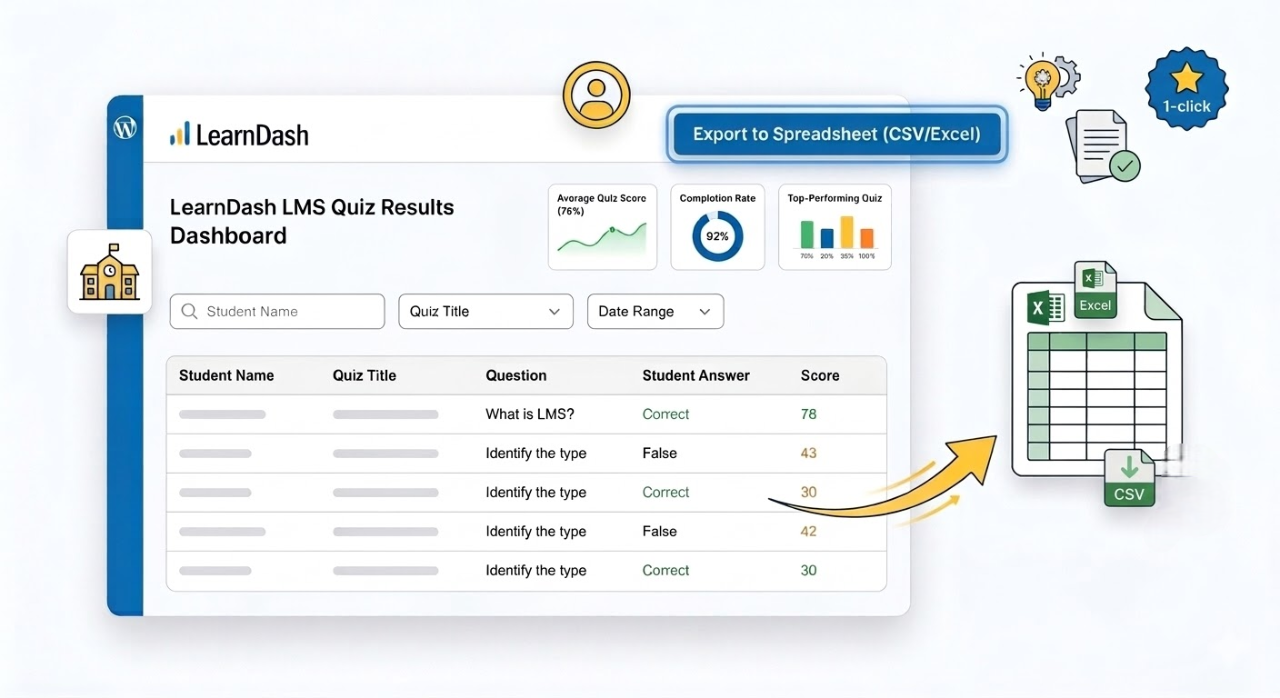
Export Quiz Data to Spreadsheet
Download all user submitted answers using LearnDash CSV export or Excel format in one click. Quickly generate downloadable reports and export quiz answers to Excel directly from your WordPress dashboard.
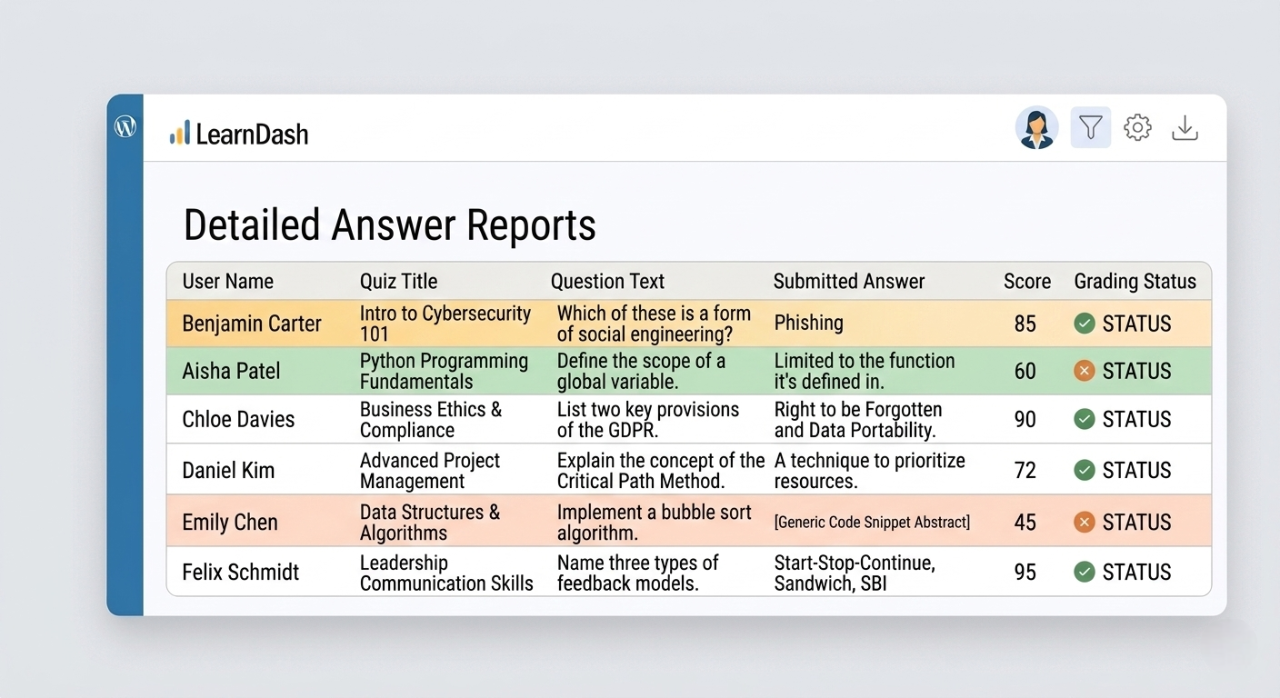
Detailed Answer Reports
Access detailed quiz reports including user name, quiz title, question text, submitted answers, and grading status. Perfect for instructors using the LearnDash LMS plugin who need accurate insights into quiz performance.
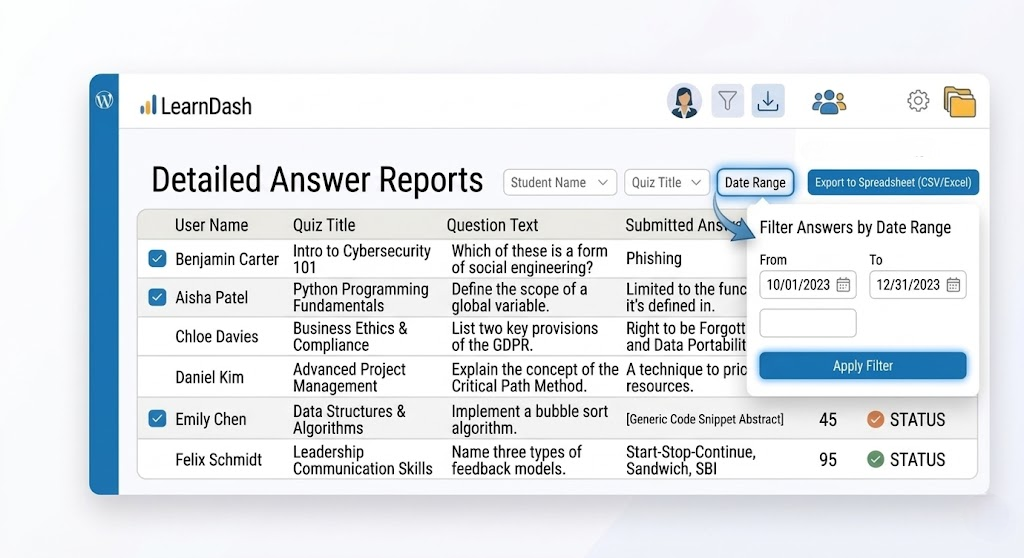
Filter Quiz Answers by Date Range
Easily export LearnDash export quiz answers for multiple users within a specific quiz by selecting a custom start and end date. This LearnDash quiz export feature lets administrators download detailed quiz data using LearnDash CSV export directly from the WordPress dashboard.
Grab the Plugin Today
Quick to install, easy to use — get started now.
Single Site License
$49.99
- License for 1 site
- 1 year technical support & updates
- Full documentation
- Support forum
3 Site License
$89.99
- License for 3 sites
- 1 year technical support & updates
- Full documentation
- Support forum
10 Site License
$149.99
- License for 10 sites
- 1 year technical support & updates
- Full documentation
- Support forum
Hassle-Free Trial Period
Get instant access with a 14 day free trial of the LearnDash Export Quizzes. If it doesn’t simplify your WordPress course management, we’ll refund you, no questions asked.
Checkout the demo video on how to use the add-on
Watch a quick walkthrough of the Advanced Course Builder in action.
See how easily you can manage, edit, and organize LearnDash content in real time.

- Frequenty Asked Questions
Need Help? Start Here
This plugin allows you to export all user submitted LearnDash quiz answers into a spreadsheet (CSV or Excel format), including question text, answers, user info, and scores.
Yes. The plugin allows administrators to export quiz answers using a custom start and end date range, making it easier to review quiz activity for a specific period.
Currently, the plugin supports LearnDash CSV export, allowing administrators to download quiz answers in a structured CSV format directly from the WordPress dashboard.
Yes, it supports multiple choice, single choice, open answer, essay, and other LearnDash supported question types.
- Lets Work Together
Let’s Talk About Your Project Needs
Contact us now and share your vision, we are Listening
You must log in to submit a review.