

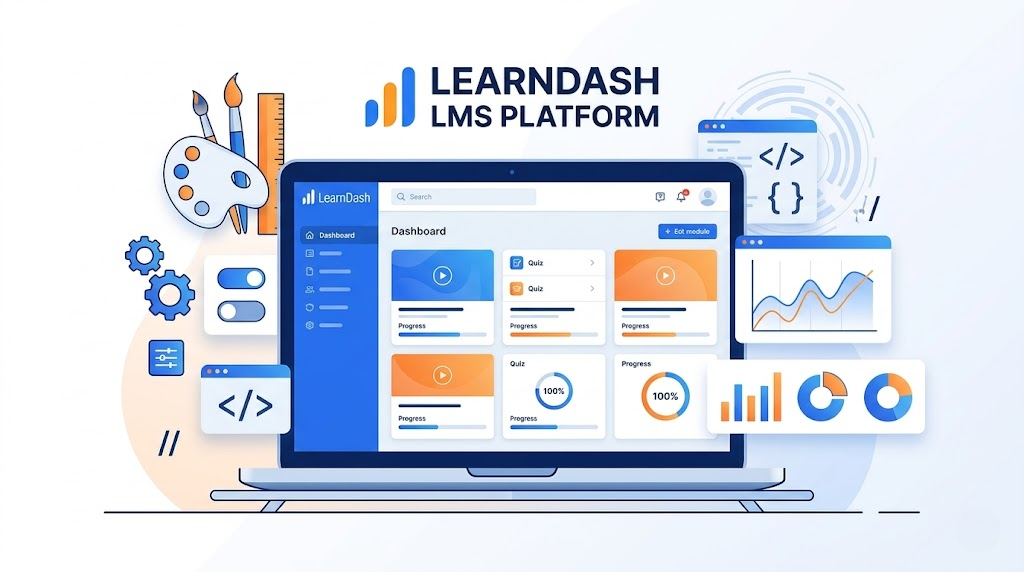
LearnDash is one of the most powerful LMS plugins available for WordPress. It enables businesses, educators, and organizations to create professional online learning platforms. However, many websites require more than the default features. That’s why many developers choose to customize LearnDash to create high performing and scalable LMS platforms.
With proper LearnDash customization, you can build a fully personalized learning environment that improves user experience, engagement, and performance. In this guide, we will explore the best practices for customizing LearnDash to build a powerful and efficient LMS platform.
Why Customize LearnDash for Your LMS Platform?
While the default LearnDash LMS features are powerful, every learning platform has unique requirements. Customization allows developers to adapt the system to specific business needs, course structures, and training programs.
Benefits of LearnDash customization include:
- Creating a personalized LMS experience for learners
- Improving the design and usability of course pages
- Integrating third-party tools and services
- Enhancing quizzes and assessments
- Adding advanced reporting and analytics
By choosing to customize LearnDash, businesses can build a platform that matches their training goals and branding.
Optimize the LearnDash Course Page
One of the most important customization areas is the course page. The course page is where students interact with lessons, quizzes, and learning materials.
To customize LearnDash course pages, consider:
- Adding progress indicators and completion badges
- Improving layout and navigation for lessons
- Embedding multimedia learning content
- Displaying personalized recommendations
These improvements make the LearnDash platform more engaging and easier to navigate for learners.
Implement Advanced Quiz Customization
Quizzes play a key role in measuring student progress and knowledge retention. Through LearnDash quiz customization, you can create more dynamic and interactive assessments.
Common quiz customization features include:
- Timed quizzes with conditional logic
- Personalized quiz feedback
- Integration with certificates or badges
- Advanced question types and scoring systems
Customize LearnDash quiz functionality helps improve the overall LearnDash LMS learning experience.
Essential LearnDash Addons for a High Performance LMS

The LearnDash platform becomes even more powerful when extended with the right addons. While the core plugin offers strong LMS functionality, LearnDash addons help enhance features such as course management, reporting, and user engagement.
Using the right addons allows you to customize LearnDash and build a more efficient, personalized LMS without developing every feature from scratch. Some commonly used LearnDash addons include tools for course payments, membership management, student progress tracking, and advanced reporting.
When combined with LearnDash custom development, these addons can significantly improve the performance and flexibility of your LMS. The result is a scalable learning platform that delivers a better experience for both instructors and learners.
Integrate LearnDash with External Systems
Modern LMS platforms rarely operate in isolation. Organizations often need their learning platform to work seamlessly with other tools used for marketing, communication, or customer management.
Through LearnDash integration, developers can connect the LMS with CRM systems, email marketing tools, and payment platforms. These integrations help automate workflows and improve the management of learners and training programs.
When done correctly, integrations can transform a basic LMS into a powerful business tool.
Improve Performance Through Custom Development
As LMS platforms grow, performance optimization becomes increasingly important. Large course libraries and thousands of users can create performance challenges if the platform is not properly optimized.
With LearnDash custom development, developers can refine the platform’s architecture to ensure it remains fast and reliable. This may involve optimizing database queries, reducing unnecessary scripts, and improving page loading speeds. By taking the right steps to customize LearnDash, businesses can tailor performance improvements to their specific needs.
Using custom WordPress development, businesses can ensure their LMS platform remains scalable as their audience grows.
Work with LearnDash Experts for Advanced Projects
Complex LMS platforms often require professional development expertise. Experienced LearnDash experts understand the technical structure of the plugin and can implement advanced customizations without affecting site stability.
Working with specialists can help organizations build reliable custom LMS solutions, integrate third party tools, and maintain long term performance. This approach ensures that the learning platform continues to evolve as training requirements change.
LearnDash is already a powerful LMS plugin, but its true potential is unlocked when you customize LearnDash according to your specific requirements. From improving course pages and quiz functionality to integrating external systems and optimizing performance, customization allows organizations to build a fully personalized LMS platform.