

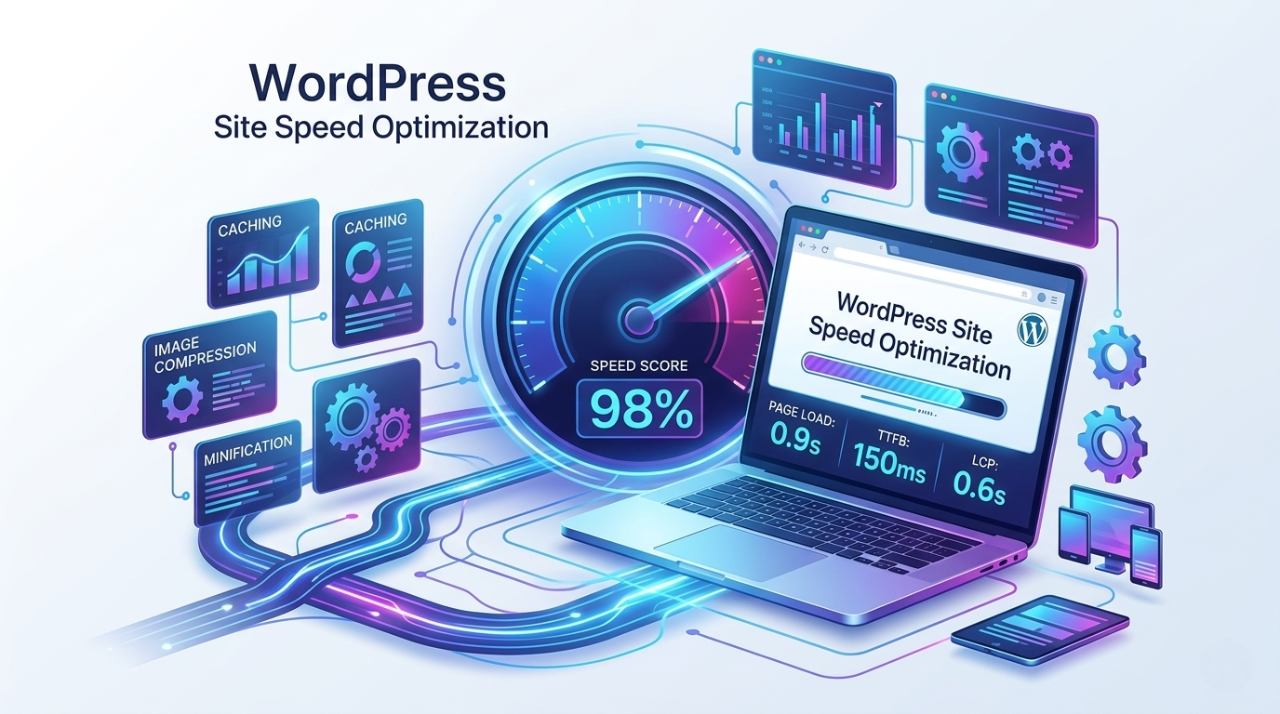
Website speed is crucial for user experience, SEO, and conversions. In 2026, a slow loading site can hurt your rankings and increase bounce rates. In this guide, we’ll show you how to optimize WordPress site speed using practical tips, tools, and strategies that deliver results.
Why WordPress Site Speed Matters
A fast website not only improves user experience but also plays a major role in Google Core Web Vitals and search rankings. Slow websites can frustrate visitors, reduce conversions, and hurt SEO performance.
Benefits of optimizing WordPress site spee
- Better search engine rankings
- Reduced bounce rates
- Higher conversion rates
- Improved Core Web Vitals scores
By focusing on WordPress performance optimization, you can create a site that loads quickly for all users.
How to Test Your WordPress Site Speed
Before optimizing, it’s important to measure your website’s current speed. Several tools can help:
- Google PageSpeed Insights – Checks performance and Core Web Vitals
- GTmetrix – Analyzes load time and performance scores
- Pingdom – Tests global load speed
- Lighthouse – Chrome tool for detailed performance audits
Testing your site regularly helps identify bottlenecks and areas where you can increase WordPress site speed.
Tips to Optimize WordPress Site Speed
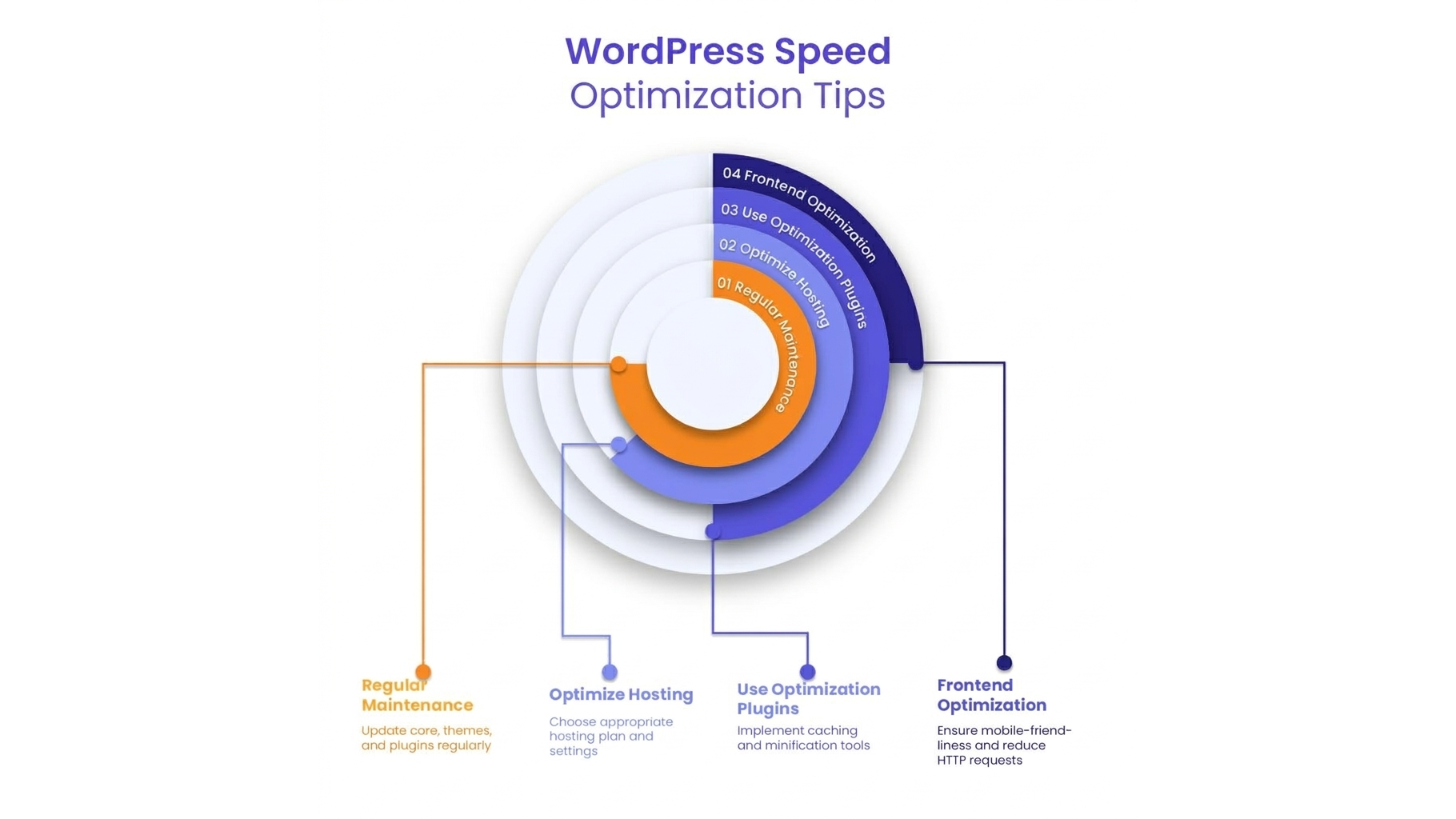
Here are expert tips to make your WordPress website load faster and improve performance:
Choose a Fast Hosting Provider
Your hosting server directly affects site speed. Choose a WordPress-optimized host with fast SSD storage and good server response times. Managed WordPress hosting often provides automatic caching and performance optimization.
Use a Lightweight WordPress Theme
Themes with excessive features or heavy code can slow your site. Opt for lightweight themes designed for speed, which can significantly increase page speed WordPress.
Optimize Images and Media
Large images can dramatically slow loading times. Use compressed images in formats like WebP, and consider lazy loading media to increase WordPress site speed.
Enable Caching
Caching stores static versions of your pages, reducing server load and speeding up load times. Popular plugins include WP Rocket, W3 Total Cache, and LiteSpeed Cache.
Minimize CSS, JavaScript, and HTML
Reduce unnecessary code and combine files where possible. Minifying CSS, JavaScript, and HTML can optimize WordPress website speed and improve performance scores.
Use a Content Delivery Network (CDN)
A CDN distributes your website files across global servers, ensuring faster load times for visitors worldwide. This is especially useful for international traffic.
Optimize WooCommerce Sites
If you run an online store, WooCommerce speed up is essential. Use lightweight plugins, optimize product images, and limit unnecessary scripts to maintain a fast shopping experience.
Monitor Core Web Vitals Regularly
Google measures user experience through Core Web Vitals. Track metrics like Largest Contentful Paint (LCP), First Input Delay (FID), and Cumulative Layout Shift (CLS) to ensure optimal performance.
Advanced WordPress Performance Optimization Tips
For further WordPress speed optimization, consider these advanced strategies:
- Lazy load videos and iframes
- Remove unused plugins and themes
- Optimize your WordPress database
- Use Gzip or Brotli compression
- Implement preloading and prefetching for assets
These techniques help you increase WordPress site speed without compromising functionality.
In 2026, site speed is no longer optional it’s essential. By following these expert tips, you can optimize WordPress site speed, improve user experience, and boost your Google rankings.
A fast WordPress site not only benefits SEO but also keeps visitors engaged, increases conversions, and enhances Core Web Vitals metrics.
If your website requires advanced solutions, working with a WordPress development company specializing in performance optimization can help you implement custom strategies to make your WordPress website load faster.