

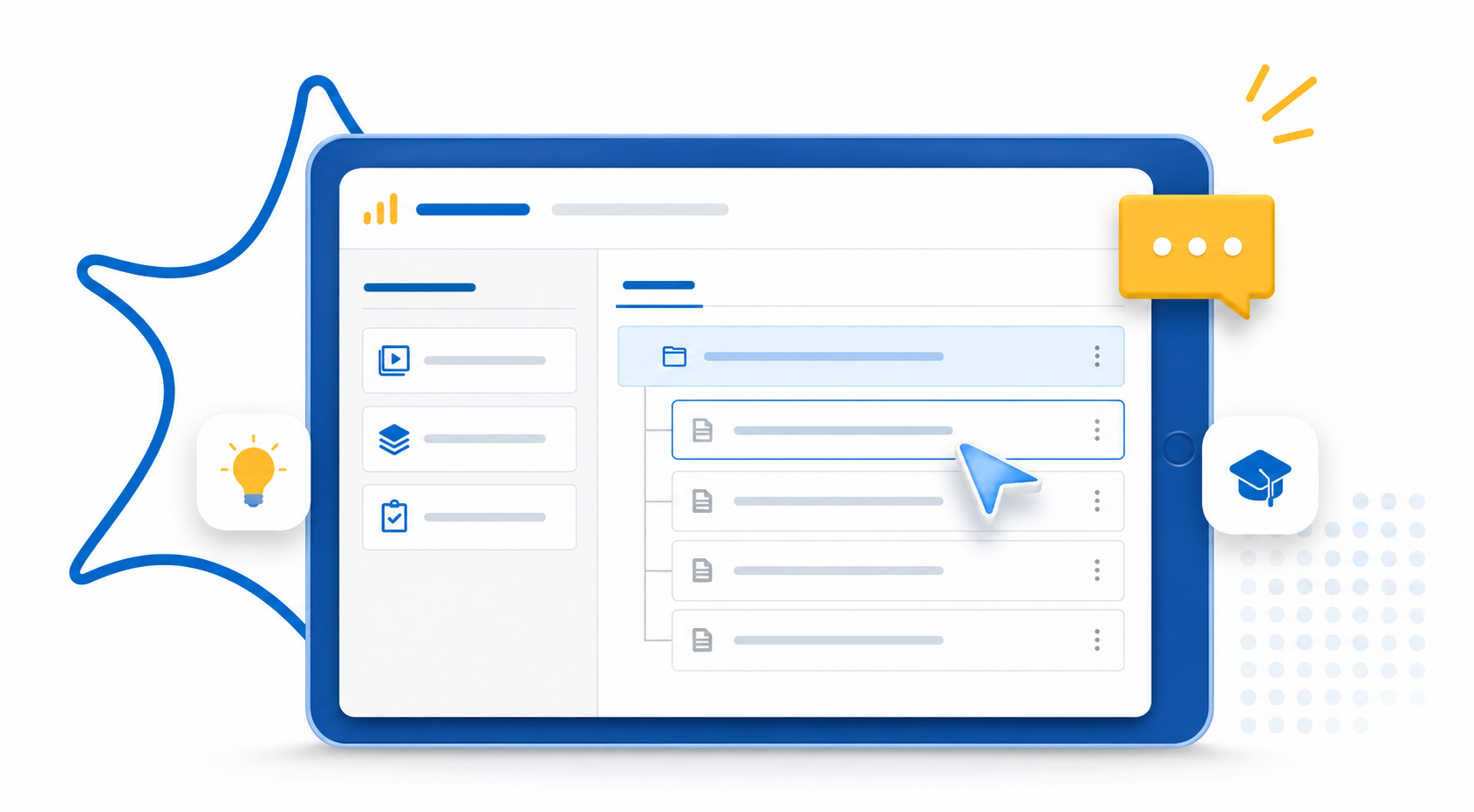
LearnDash offers two ways to copy a course structure into another course. Its built in Clone feature duplicates a course, lesson, or topic as a new standalone copy. A course builder plugin like Advanced Course Builder for LearnDash copies an entire nested lesson and topic hierarchy and pastes it directly into an existing course. Use Clone when you’re starting fresh. Use a builder plugin when the destination course already has content.
If you build more than a couple of LearnDash courses, you already know the drag. You build a lesson, build the topics under it, build the quiz, then repeat the whole process for the next course that needs the same skeleton.
That repetition adds up. The e-learning market is projected to keep growing at a double-digit rate through the rest of the decade. The global LMS market alone is expected to reach roughly $29 billion. Course creators aren’t slowing down anytime soon, and repetitive rebuilding is one of the biggest hidden time costs in that growth.
This article covers how course structure copying works in LearnDash, where the native tools stop short, and which mistakes to avoid.
What Does “Copying a LearnDash Course Structure” Actually Mean?
Copying a course structure means transferring the lesson and topic hierarchy from one course to another, in the same order, without rebuilding each piece by hand.
This differs from copying course content in isolation. A single lesson copied on its own loses its place in the hierarchy: its parent course, its topic order, its quiz associations.
Structure copying preserves the relationships between pieces, not just the pieces themselves.
Structure vs. Content: Why the Difference Matters
Structure is the order and dependencies between pieces. Content is the material inside them, and copying one doesn’t guarantee you get the other.
A course isn’t just a pile of lessons. It’s an order, a hierarchy, and a set of dependencies between pieces.
Copying content alone, say, exporting a lesson’s text, gets you the words. It doesn’t preserve which topics sit under which lesson, which quiz ties to which topic, or the order students move through everything.
This distinction matters most for teams running multiple similar courses: cohort based programs, seasonal training, franchise or client sites. Rebuilding the skeleton every time is slow. It’s also where naming inconsistencies and missed steps creep in, especially under deadline pressure.
Why LearnDash’s Native Clone Feature Doesn’t Solve This
LearnDash’s Clone feature duplicates content as a new copy. It doesn’t merge a structure into a course that already exists, which is the gap most course creators actually run into.
What Clone Actually Does
Clone creates a new, standalone copy of a course, lesson, topic, or quiz.
According to LearnDash’s own documentation, cloning a course carries over its lessons, topics, and quizzes automatically once you enable Shared Course Steps.
Even then, some quiz settings don’t transfer. You’ll need to check those manually afterward.
Where It Falls Short
Clone works well when you’re creating something brand new. It runs into trouble once a destination course already exists.
Say Course B is already live with its own lessons, and you want to add Course A’s structure into it. Native cloning wasn’t built for that.
You’d end up cloning Course A separately, then manually reorganizing everything into Course B by hand. That defeats the purpose of copying structure in the first place.
A structure copying workflow closes this specific gap.
How to Copy a LearnDash Lesson Structure to Another Course
The fastest method copies a full lesson hierarchy from one course and pastes it directly into an existing course from a single screen, skipping the manual reassignment native cloning requires.
Option 1: Using Native Cloning
- Open the source course and clone it.
- Confirm Shared Course Steps carried the lessons and topics over correctly.
- Manually move or delete anything that doesn’t belong in the destination course.
- Check quiz settings and drip content timing individually.
Option 2: Using a Course Builder Plugin
- Open the source course inside the builder.
- Select the lesson hierarchy you want, including nested topics and quizzes.
- Paste it directly into the destination course.
- Review titles and quiz assignments before publishing.
With Advanced Course Builder for LearnDash, all four steps happen on one screen. Native cloning runs across several separate admin pages instead.
See Advanced Course Builder for LearnDash in action
Discover the fastest way to move your LearnDash course structure into another course, saving you time and effort.
Copying Topics Between LearnDash Courses: What Changes at Each Level
LearnDash structure copying works at three levels: course, lesson, and topic. Each level pulls in a different scope of content, so picking the right one avoids extra cleanup.
Course Level Copying
Copies the entire structure: every lesson, every nested topic, and typically the quiz assignments tied to each one.
Use this when you need to reuse an entire course template as is.
Lesson Level Copying
Copies a single lesson and its topics, without pulling in unrelated lessons from the source course.
Use this when only part of a course structure applies to your new course, for example, reusing one onboarding module without dragging in an unrelated training program.
Topic Level Copying
Copies individual topics, the most granular option.
Course creators typically use this when reusing a specific unit of content, like a single training module or compliance section, across otherwise unrelated courses.
Whichever level you copy at, check two things afterward:
- Quiz assignments: confirm the copied quiz still links to the correct topic in the new course
- Drip content timing: copied content sometimes carries over the original course’s release schedule
When You Should Reuse a LearnDash Course Structure
Reuse a course structure when you’re running multiple versions of similar training. Skip it when courses genuinely differ in structure.
Good candidates include onboarding tracks for different departments, seasonal cohorts of the same certification course, and client sites that follow your agency’s standard course template.
Forcing a copied hierarchy onto very different content usually creates more cleanup work than it saves.
A good rule of thumb: if you’ve rebuilt the same lesson and topic skeleton more than twice, copy the structure instead of recreating it again.
Common Mistakes When Copying LearnDash Course Structures
Most problems after a structure copy come from four repeatable mistakes, whether you use native cloning or a plugin.
- Not checking Shared Course Steps before cloning: a misconfigured setting means a “clone” can arrive without its lessons and topics attached
- Assuming quiz settings carry over untouched: certificate assignments, timers, and pass thresholds are common casualties, so review them every time
- Copying at the wrong level: copying an entire course for one lesson creates extra cleanup; copying a single topic when you needed the full hierarchy means repeating the process
- Skipping a naming pass afterward: copied lessons often keep the source course’s naming conventions, which can conflict with the destination course
FAQ
How do I copy a LearnDash course structure into another course?
Use LearnDash’s native Clone feature to duplicate a course as a new copy, or use a course builder plugin to copy the lesson and topic hierarchy directly into an existing course.
Can you copy LearnDash lessons into an existing course, not just create a new one?
Not with native cloning alone. Clone creates a new standalone copy rather than merging into an existing course. A plugin built for cross course copying, such as Advanced Course Builder for LearnDash, handles this scenario directly.
How do I reuse a LearnDash course structure across multiple courses without rebuilding it each time?
Copy the lesson and topic hierarchy from your source course once, then apply it to each new course instead of recreating lessons, topics, and quiz assignments from scratch.
Does copying a course structure in LearnDash also copy quiz settings?
Not always completely. Certificate assignments, pass thresholds, and timers are the settings most likely to need a manual check after any copy.
Ready to stop rebuilding the same course structure?
Discover the fastest way to move your LearnDash course structure into another course, saving you time and effort.
Rebuilding the same course structure by hand isn’t a content problem. It’s a workflow problem, and one of the more fixable ones in LearnDash.
Whether you use native cloning for simple duplicates or a dedicated builder for cross course copying, the goal stays the same: build the structure once, then reuse it everywhere it fits.