

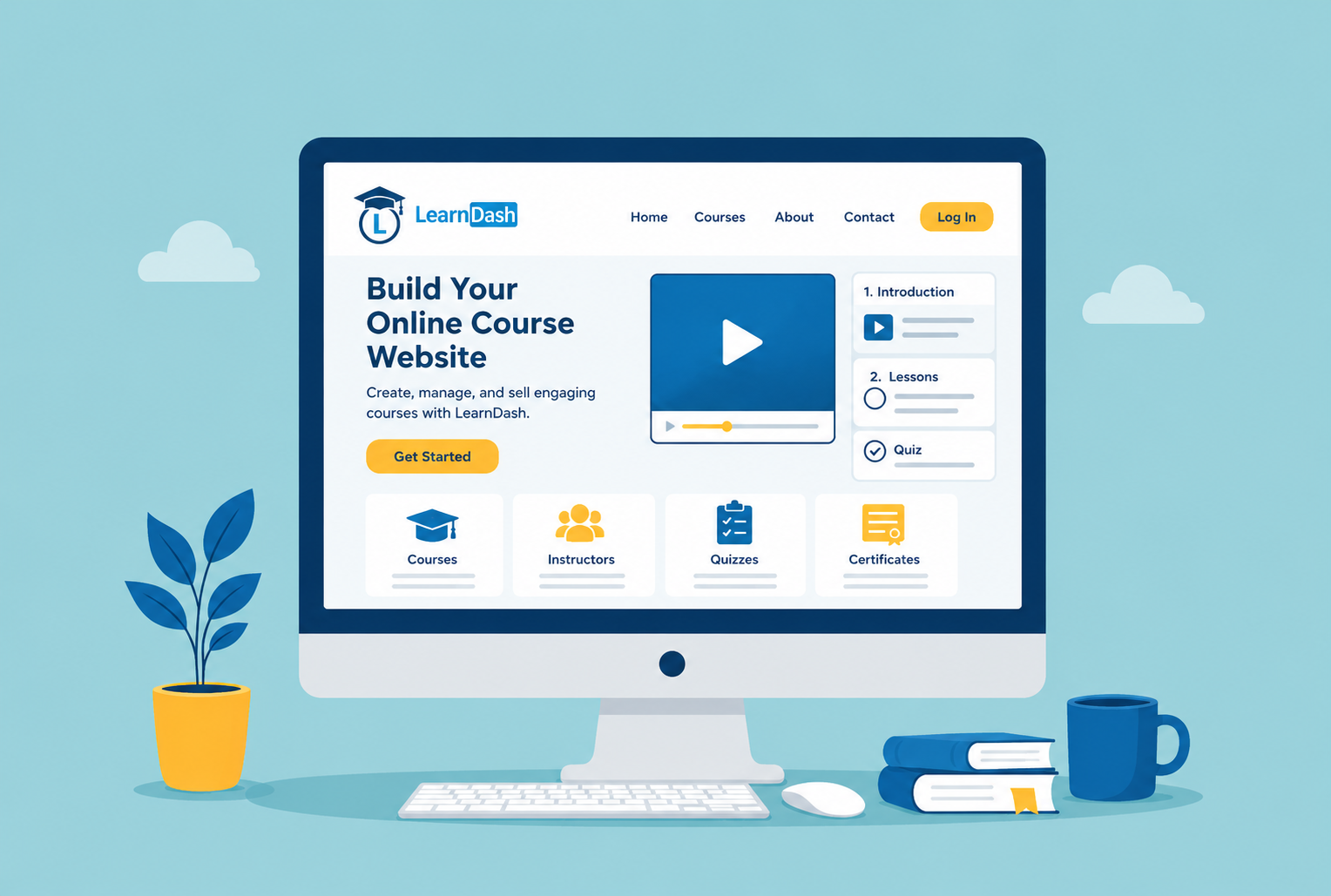
The demand for digital education is growing rapidly, and businesses, coaches, educators, and training companies are all looking for smarter ways to deliver courses online. If you want to create a scalable and professional online course website, LearnDash is one of the best solutions available today.
From course creation and quizzes to student progress tracking and payment integration, LearnDash gives you everything needed to build a powerful learning platform on WordPress. In this guide, we’ll explain how to build a fully functional learndash website, why it’s popular for eLearning businesses, and what features you should include for long term success.
Why LearnDash Is Ideal for an Online Course Website
If you are asking, “What is the best platform to create an online learning website on WordPress?” LearnDash is often the answer.
LearnDash is a leading LMS (Learning Management System) plugin for WordPress that helps businesses launch interactive learning platforms without building everything from scratch. It is widely used by universities, entrepreneurs, corporate trainers, and online educators.
A professionally built wordpress lms website with LearnDash allows you to:
- Sell online courses
- Track student progress
- Create quizzes and certificates
- Offer memberships and subscriptions
- Build drip feed learning experiences
- Manage multiple instructors
Unlike generic website builders, LearnDash is designed specifically for online education, making it highly effective for elearning website development projects.
Step 1: Choose the Right Hosting and Domain
The foundation of every successful online course website development project starts with reliable hosting.
Since online learning platforms often include videos, quizzes, user dashboards, and payment systems, performance matters. Slow loading pages can reduce course engagement and increase bounce rates.
When selecting hosting for your LearnDash platform, focus on:
- Fast server speed
- High uptime reliability
- SSL security
- Daily backups
- WordPress optimization
Your domain name should also reflect your brand and niche clearly. For example, if you offer business coaching, choose a domain that is simple, memorable, and professional.
Step 2: Install WordPress and LearnDash
Once your hosting is ready, install WordPress and then add the LearnDash plugin.
This step transforms a standard WordPress website into a complete LMS platform. Many businesses choose LearnDash because it offers flexibility for both small startups and enterprise level learning systems.
A standard learndash website development setup usually includes:
Course Builder
You can organize lessons, topics, modules, and quizzes with a drag and drop system.
Student Dashboards
Students can monitor their learning journey, completed lessons, and certificates.
Payment Integration
LearnDash supports Stripe, PayPal, WooCommerce, and membership plugins.
Quiz and Certification Features
Interactive assessments improve student engagement and learning outcomes.
Step 3: Design a User-Friendly Learning Experience
One of the biggest mistakes in online course website development is focusing only on functionality while ignoring user experience.
Your platform should feel intuitive, modern, and easy to navigate. Students should be able to access courses without confusion.
A professional wordpress lms website typically includes:
- Clean homepage design
- Mobile responsive layout
- Easy course navigation
- Instructor profiles
- Progress indicators
- Secure checkout pages
The goal is to create a smooth learning environment that keeps students engaged.
Step 4: Add Essential Features to Your LearnDash Website
A successful LMS platform requires more than just video lessons. Businesses investing in custom learndash development often include advanced features tailored to their audience.
LearnDash Course Progress Tracking
One of the most valuable features is learndash course progress tracking. Students can see how much of the course they have completed, which increases motivation and retention.
Progress tracking also helps instructors monitor student performance and identify learning gaps.
Membership and Subscription Systems
Many course creators use recurring revenue models. Adding memberships allows you to restrict premium content and create subscription-based learning communities.
Gamification Features
Badges, certificates, and achievement systems encourage users to complete lessons and stay engaged.
Discussion Forums and Communities
Building a learning community improves student interaction and long term retention.
Step 5: Make Your Online Course Website Easy to Find
Creating a professional learning platform is only half the process. If people cannot find your courses online, even the best content may struggle to generate enrollments. That is why visibility should be a major part of your online course website development strategy.
Modern users search differently than they did a few years ago. Instead of typing short phrases, they now ask detailed questions like:
- “How can I create an elearning website with WordPress?”
- “What is the best LearnDash setup for online courses?”
- “How do I track student progress on a WordPress LMS website?”
Your website content should naturally answer these types of questions throughout your pages, blogs, and course descriptions.
For a successful learndash website, focus on creating pages that are informative, easy to navigate, and optimized for both users and search engines. Fast loading speeds, mobile responsiveness, and well structured content all play an important role in helping your website rank better.
What Makes LearnDash a Strong WordPress LMS Website Solution?
When businesses start planning an online course website development project, one of the biggest challenges is choosing a platform that can scale over time. Many LMS platforms offer basic course functionality, but they often become restrictive when businesses need advanced customization or better performance.
This is one of the biggest reasons why LearnDash has become a preferred solution for WordPress LMS website development. It gives businesses more control over course structure, memberships, analytics, and student management while still allowing complete website ownership.
A professional LearnDash website can support multiple educational business models, including coaching platforms, corporate training systems, certification portals, and subscription based learning communities.
Key Features That Make LearnDash Popular
- Advanced course management: LearnDash allows businesses to organize lessons, quizzes, assignments, and drip content in a structured learning environment that improves student experience.
- Flexible monetization options: Course creators can sell one time courses, recurring memberships, bundled learning programs, or subscription based training systems using WooCommerce integrations.
- Built in student engagement tools: Features like certificates, quizzes, badges, and LearnDash course progress tracking help improve course completion rates and learner motivation.
- Scalable customization capabilities: Through custom LearnDash development, businesses can create unique dashboards, reporting systems, instructor portals, and automated workflows tailored to their platform.
How to Create an Online Course Website with LearnDash
Step 1: Choose Reliable WordPress Hosting
Before starting your online course website development, selecting the right hosting environment is essential. LMS websites usually handle large amounts of content, videos, user accounts, and database activity.
A slow website can negatively affect:
- student engagement
- course completion rates
- SEO rankings
- conversion rates
For this reason, your hosting should support:
- strong server performance
- scalable resources
- optimized caching
- security protection
- daily backups
Many businesses underestimate hosting during elearning website development, but server quality directly affects the student experience.
Step 2: Install WordPress and LearnDash
Once hosting is ready, install WordPress and then add the LearnDash plugin.
LearnDash transforms WordPress into a complete learning management system where you can:
- create lessons and quizzes
- organize courses
- manage instructors
- track student activity
- control memberships
At this stage, your website becomes the foundation of a scalable online learning platform.
A properly structured LearnDash website also creates better opportunities for SEO because WordPress allows complete control over metadata, URLs, schema markup, and content optimization.
Why Custom LearnDash Development Matters for Growing Platforms
Many businesses initially start with prebuilt themes and standard LMS settings. While this works for smaller projects, growing platforms often require custom LearnDash development to improve performance and create unique user experiences.
For example, businesses may eventually need:
- custom student dashboards
- advanced reporting systems
- unique course progression logic
- instructor management portals
- CRM integrations
- membership automation
- custom checkout systems
A custom LearnDash website development approach allows businesses to replace multiple heavy plugins with optimized functionality built specifically for their needs.
This is especially important for large WordPress LMS websites where plugin overload can create performance issues and maintenance challenges.
How LearnDash Course Progress Tracking Improves Student Engagement
One of the most important features of any LMS platform is LearnDash course progress tracking.
Students are more likely to complete courses when they can clearly see:
- completed lessons
- pending modules
- quiz performance
- certificates earned
- learning milestones
Progress tracking creates a more engaging and motivating learning environment.
For businesses offering professional certifications or long-term training programs, this feature becomes extremely valuable because it improves retention and completion rates.
Many online course websites also integrate analytics tools like Google Analytics 4 to measure:
- course engagement
- student drop off points
- lesson completion rates
- conversion funnels
This data helps businesses optimize their LMS strategy over time.
How to Create an Elearning Website That Performs Well in Search Engines
SEO is one of the biggest advantages of building an LMS platform on WordPress instead of using closed course platforms.
A properly optimized online course website can attract organic traffic from users searching for:
- online certifications
- training programs
- educational resources
- skill development courses
To improve SEO during online course website development:
- use conversational headings
- structure content clearly
- optimize course pages
- improve website speed
- create educational blog content
- use schema markup
Modern search engines and AI systems prioritize content that directly answers user questions.
For example, many users now search conversationally using prompts like:
- “How do I build an online course website with LearnDash?”
- “What is the best WordPress LMS website solution?”
- “How can I create an elearning website without coding?”
Optimizing your content around these conversational queries increases visibility in:
- Google AI Overviews
- voice search
- AI assistants
- featured snippets
Why Custom WordPress Development Is Better Than Relying on Too Many Plugins
As LMS websites grow, many businesses install numerous third party plugins to extend functionality. Over time, this often leads to:
- slower performance
- plugin conflicts
- security vulnerabilities
- difficult maintenance
- unstable updates
This is why custom WordPress development becomes increasingly important for professional LMS platforms.
Instead of relying on multiple disconnected tools, developers can create a WooCommerce or LearnDash custom solution tailored specifically to business requirements.
A custom built LMS system improves:
- website speed
- scalability
- security
- user experience
- long term maintainability
For businesses planning serious elearning website development, investing in custom solutions usually creates better long term results.
What Features Should a Modern Online Course Website Include?
A successful online course website should focus on both learning experience and business growth.
Modern LMS platforms often include:
- responsive mobile design
- interactive quizzes
- progress tracking
- membership systems
- secure payment gateways
- certificates
- instructor profiles
- discussion systems
- analytics dashboards
However, simply adding features is not enough.
The most successful LearnDash websites focus on creating smooth and intuitive learning experiences that help students stay engaged throughout the course journey.
This is where thoughtful UX design and custom LearnDash development make a major difference.
Final Thoughts
Building an online course website with LearnDash gives educators, training providers, coaches, and businesses the flexibility to create a professional learning platform on WordPress. With features such as course management, student enrollment, quizzes, certificates, and progress tracking, LearnDash provides the tools needed to deliver engaging online learning experiences.
As your platform grows, custom LearnDash development can help you add unique functionality, streamline administrative tasks, and create a more personalized experience for both instructors and students. Whether you are launching your first course or building a large scale training portal, a well planned LearnDash website can support your goals and grow alongside your educational business.
This keeps the focus entirely on the topic and the reader’s intent rather than discussing the content strategy behind the article.