

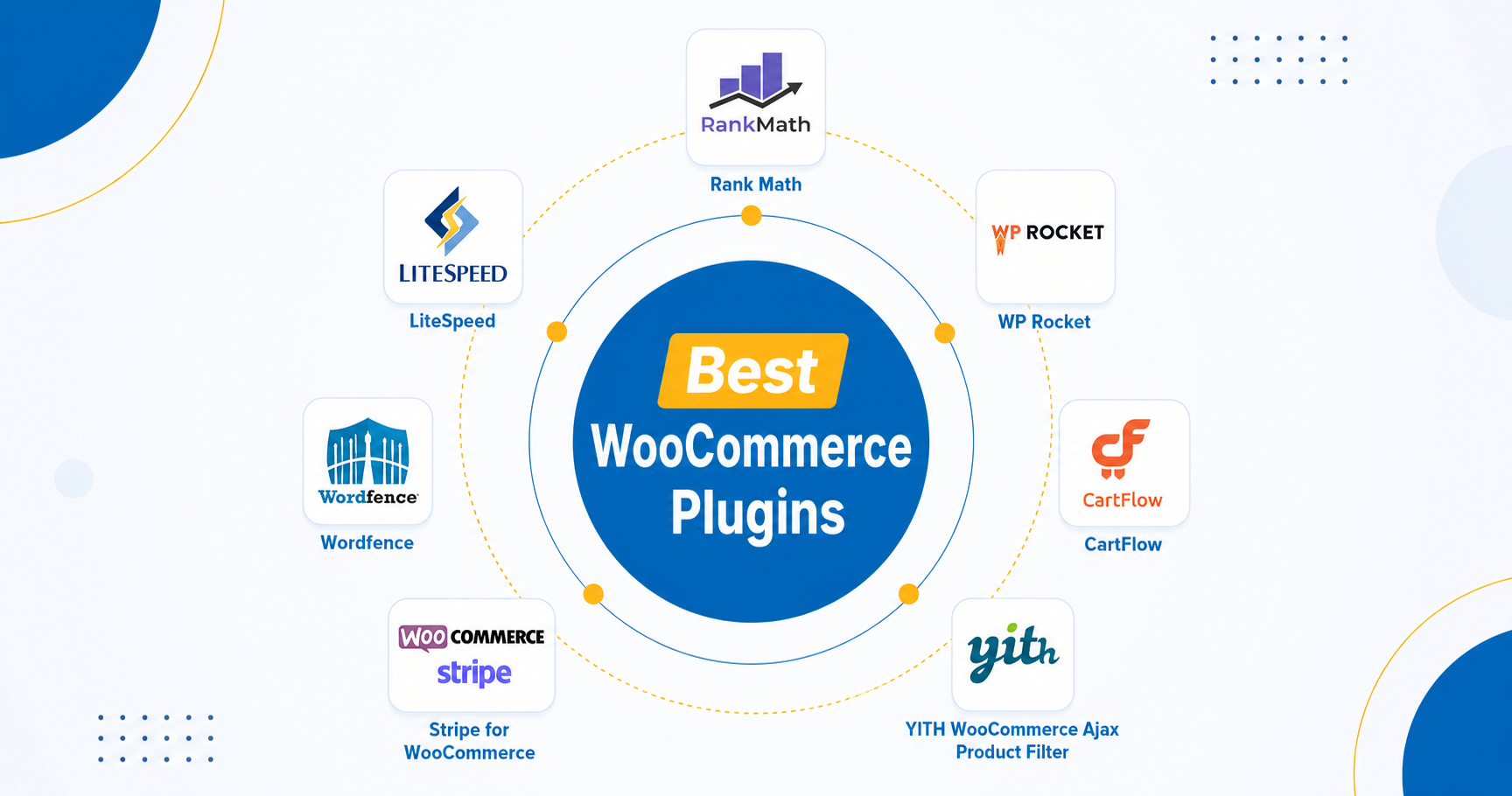
If you are looking for the best WooCommerce plugins for your online store, focus on tools that improve speed, SEO, conversions, security, and customer experience. The right WooCommerce plugins and extensions can help automate store management, increase sales, and create a smoother shopping experience, while custom WordPress development offers more flexibility when standard plugins are not enough.
Why Choosing the Best WooCommerce Plugins Matters
Running a successful online store is no longer just about uploading products and accepting payments. Modern ecommerce businesses need fast performance, strong security, advanced marketing features, and seamless customer experiences to stay competitive.
This is where the best WooCommerce plugins become essential.
The right WooCommerce plugins and WooCommerce extensions can improve every part of your store, from SEO and speed optimization to abandoned cart recovery and checkout conversion. However, adding too many plugins without a strategy can also slow down your website and create compatibility issues.
That is why many growing businesses eventually move toward a WooCommerce custom solution or custom WordPress development to replace multiple heavy plugins with one optimized system.
In this guide, we will explore the must have WooCommerce plugins for modern stores and explain when custom development becomes the smarter investment.
What Are WooCommerce Plugins and Why Do Stores Need Them?
WooCommerce is one of the most flexible ecommerce platforms because it allows store owners to extend functionality through plugins and addons.
WooCommerce plugins are tools that add new features to your store without requiring you to build everything from scratch. These plugins can help you:
- Improve search engine rankings
- Speed up your website
- Optimize checkout experience
- Recover abandoned carts
- Enhance product filtering
- Secure customer data
- Automate marketing workflows
- Increase conversions
For example, a simple WooCommerce extension can allow customers to filter products by size, color, or price. Another plugin can automatically send follow up emails to shoppers who leave items in their cart.
Without the right tools, managing a growing ecommerce store becomes difficult and inefficient.
Best WooCommerce Plugins for SEO
Why SEO Plugins Are Important for WooCommerce Stores
SEO is one of the biggest traffic sources for ecommerce businesses. If your product pages are not optimized properly, potential customers may never discover your store through search engines or AI driven search platforms.
One of the best WooCommerce addons for SEO is:
Rank Math
Rank Math helps WooCommerce stores optimize product pages, meta descriptions, schema markup, and XML sitemaps. It also provides advanced SEO analysis that helps improve visibility in both traditional search results and AI generated summaries.
A properly optimized WooCommerce store has a better chance of appearing in:
- Google search results
- AI Overviews
- Voice search queries
- AI assistants like ChatGPT and Gemini
When writing product descriptions or blog content, focus on conversational search intent such as:
- “What are the best WooCommerce plugins for small stores?”
- “Which WooCommerce extensions improve conversions?”
- “How can I speed up my WooCommerce website?”
These natural language queries are becoming increasingly important for AI search optimization.
Best WooCommerce Plugins for Speed Optimization
Why Website Speed Directly Impacts Sales
A slow ecommerce website can damage user experience, increase bounce rates, and reduce conversions. Even a few seconds of delay during checkout can cause shoppers to leave your store.
Two of the most popular performance focused WooCommerce plugins are:
WP Rocket
WP Rocket improves loading speed through:
- page caching
- file optimization
- lazy loading
- database cleanup
LiteSpeed Cache
LiteSpeed Cache is another powerful optimization plugin, especially for websites hosted on LiteSpeed servers. It includes advanced image optimization and server level caching features.
However, many store owners eventually realize that adding multiple optimization plugins can create conflicts. This is why businesses with larger stores often invest in a WooCommerce custom solution tailored specifically to their website’s performance needs.
Best WooCommerce Plugins for Security
Why Security Matters for Ecommerce Stores
WooCommerce stores handle sensitive customer information, including payment details, addresses, and personal data. A security breach can damage customer trust, hurt SEO rankings, and lead to financial losses.
Using reliable WooCommerce plugins for security helps protect your website from malware, brute force attacks, spam, and unauthorized access.
Wordfence Security
Wordfence is one of the most trusted security focused WooCommerce plugins. It includes:
- firewall protection
- malware scanning
- login security
- real time threat monitoring
It helps store owners identify vulnerabilities before they become serious problems.
Sucuri Security
Sucuri provides advanced website monitoring, malware detection, and performance optimization features. It is especially useful for ecommerce businesses that require stronger protection and uptime monitoring.
Solid Security
Solid Security (formerly iThemes Security) helps secure login pages, enforce strong passwords, and protect WooCommerce stores against common WordPress attacks.
For growing ecommerce businesses, security should be treated as an essential investment rather than an optional addon.
Must Have WooCommerce Plugins for Conversion Optimization
How Conversion Plugins Help Increase Revenue
Traffic alone does not generate sales. Your store also needs tools that improve user experience and encourage customers to complete purchases.
Here are some must have WooCommerce plugins that help increase conversions.
Cart Recovery Plugins
Cart abandonment is one of the biggest problems in ecommerce. Recovery plugins automatically remind customers about unfinished purchases through email sequences and discount offers.
Product Filter Plugins
Advanced product filtering improves navigation and helps shoppers quickly find what they need. This becomes especially important for stores with large product catalogs.
Checkout Optimization Plugins
Complicated checkout processes often reduce conversion rates. Checkout optimization WooCommerce extensions simplify the purchase process and reduce friction.
Email Marketing Integrations
Integrating your store with platforms like Mailchimp helps automate customer communication, promotional campaigns, and retention strategies.
How to Choose the Best WooCommerce Plugins
Choosing the best WooCommerce plugins is not just about adding more features to your store. The right plugin should improve performance, customer experience, and scalability without slowing down your website.
Before installing any WooCommerce plugins or WooCommerce extensions, store owners should evaluate several important factors.
Compatibility With WooCommerce and WordPress
Always choose plugins that are regularly updated and fully compatible with the latest versions of WooCommerce and WordPress. Outdated plugins can create security vulnerabilities and functionality issues.
Performance Impact
Some WooCommerce plugins add heavy scripts and database queries that slow down your website. Test plugins carefully to ensure they do not negatively affect page speed or checkout performance.
Customer Support and Reviews
Reliable support is essential for ecommerce stores. Check plugin ratings, reviews, documentation, and developer responsiveness before installing any WooCommerce extensions.
Scalability for Future Growth
A plugin may work well for a small store but create limitations as your business grows. Many businesses eventually replace multiple plugins with a WooCommerce custom solution or custom WordPress development for better long term scalability.
Security and Maintenance
Only install plugins from trusted developers with regular updates and strong security practices. Reducing unnecessary plugins can also lower the risk of vulnerabilities and plugin conflicts.
By choosing lightweight, well maintained plugins, businesses can build a faster and more reliable ecommerce experience while avoiding plugin bloat.
When Plugins Become a Problem for WooCommerce Stores
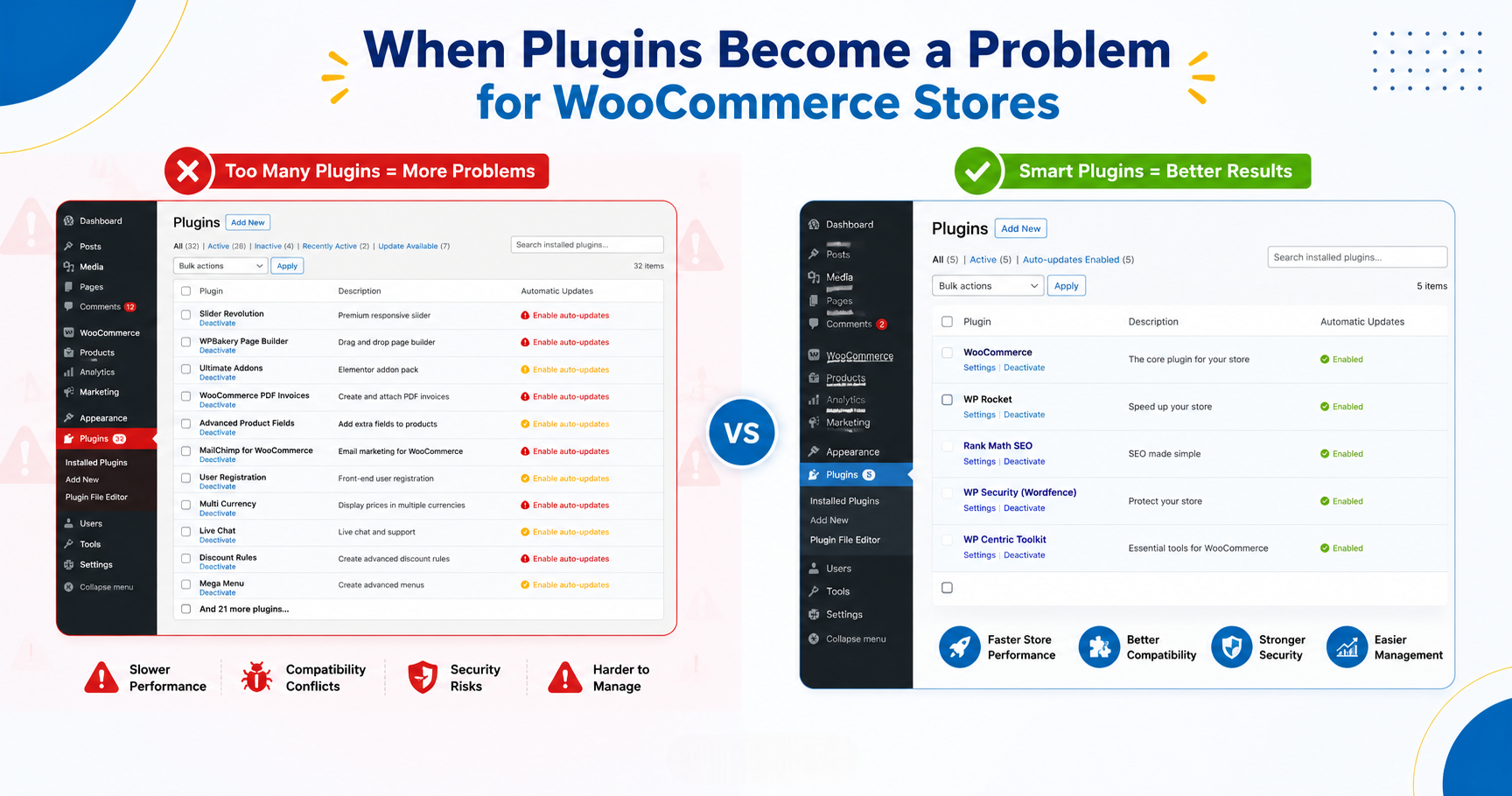
The Hidden Risks of Installing Too Many WooCommerce Plugins
Many store owners believe installing more plugins automatically improves their website. In reality, excessive plugins can create several problems:
- Slower website performance
- Plugin conflicts
- Security vulnerabilities
- Frequent update issues
- Broken layouts and functionality
- Higher maintenance costs
This issue is commonly known as “plugin bloat.”
For example, some stores install separate plugins for:
- custom checkout fields
- shipping rules
- dynamic pricing
- product bundles
- user roles
- analytics tracking
Over time, these plugins can overload the website and create instability.
This is why custom WordPress development is becoming increasingly popular among growing ecommerce businesses.
Why WooCommerce Custom Solutions Are Better for Growing Businesses
What Is a WooCommerce Custom Solution?
A WooCommerce custom solution is a tailored system built specifically for your business needs instead of relying entirely on third party plugins.
Rather than installing five or six separate WooCommerce extensions, developers can create one lightweight solution that handles multiple functions more efficiently.
Custom WordPress development allows businesses to:
- improve performance
- reduce plugin dependency
- increase security
- create unique features
- scale more effectively
For example, a custom WooCommerce solution could combine:
- inventory management
- advanced checkout logic
- CRM integration
- shipping automation
- analytics tracking
into one optimized system.
This approach not only improves speed but also creates a more stable and scalable ecommerce environment.
How AI Search Is Changing WooCommerce SEO
Why Ecommerce Content Must Be Optimized for AI Overviews
Search behavior is evolving rapidly. More users now ask conversational questions through AI tools instead of typing short keywords into search engines.
For example, users may ask:
- “What are the best WooCommerce plugins for online stores?”
- “Which WooCommerce addons improve conversions?”
- “Should I use plugins or custom WordPress development for ecommerce?”
To improve visibility in AI generated results:
- answer questions directly
- use conversational headings
- write naturally
- include semantic context
- structure content clearly
- avoid keyword stuffing
Search engines and AI systems now prioritize content that demonstrates expertise, clarity, and real world usefulness.
Best WooCommerce Plugins Every Store Should Consider
Here is a quick overview of some essential tools for modern ecommerce stores:
| Plugin | Purpose |
|---|---|
| Rank Math | SEO optimization and schema markup |
| WP Rocket | Speed optimization and caching |
| LiteSpeed Cache | Advanced server-level caching |
| Wordfence | Website security and malware protection |
| Mailchimp | Email marketing automation |
| CartFlows | Checkout funnel optimization |
| FunnelKit | Sales funnels and conversion optimization |
| YITH WooCommerce Ajax Product Filter | Advanced product filtering |
| Stripe for WooCommerce | Secure online payment processing |
| WooCommerce | Core ecommerce functionality |
The best plugin setup depends entirely on your store size, goals, hosting environment, and customer experience strategy.
Final Thoughts
The best WooCommerce plugins can dramatically improve your store’s SEO, performance, security, and conversion rates when used strategically. However, relying on too many WooCommerce plugins and extensions can eventually create performance and maintenance problems.
For businesses planning long term growth, investing in a WooCommerce custom solution or custom WordPress development often becomes the smarter option. A tailored system reduces plugin bloat, improves scalability, and creates a faster, more reliable ecommerce experience.
As AI powered search continues to evolve, ecommerce websites that prioritize clear structure, conversational content, and real user value will have a stronger chance of appearing in AI Overviews and modern search experiences.