

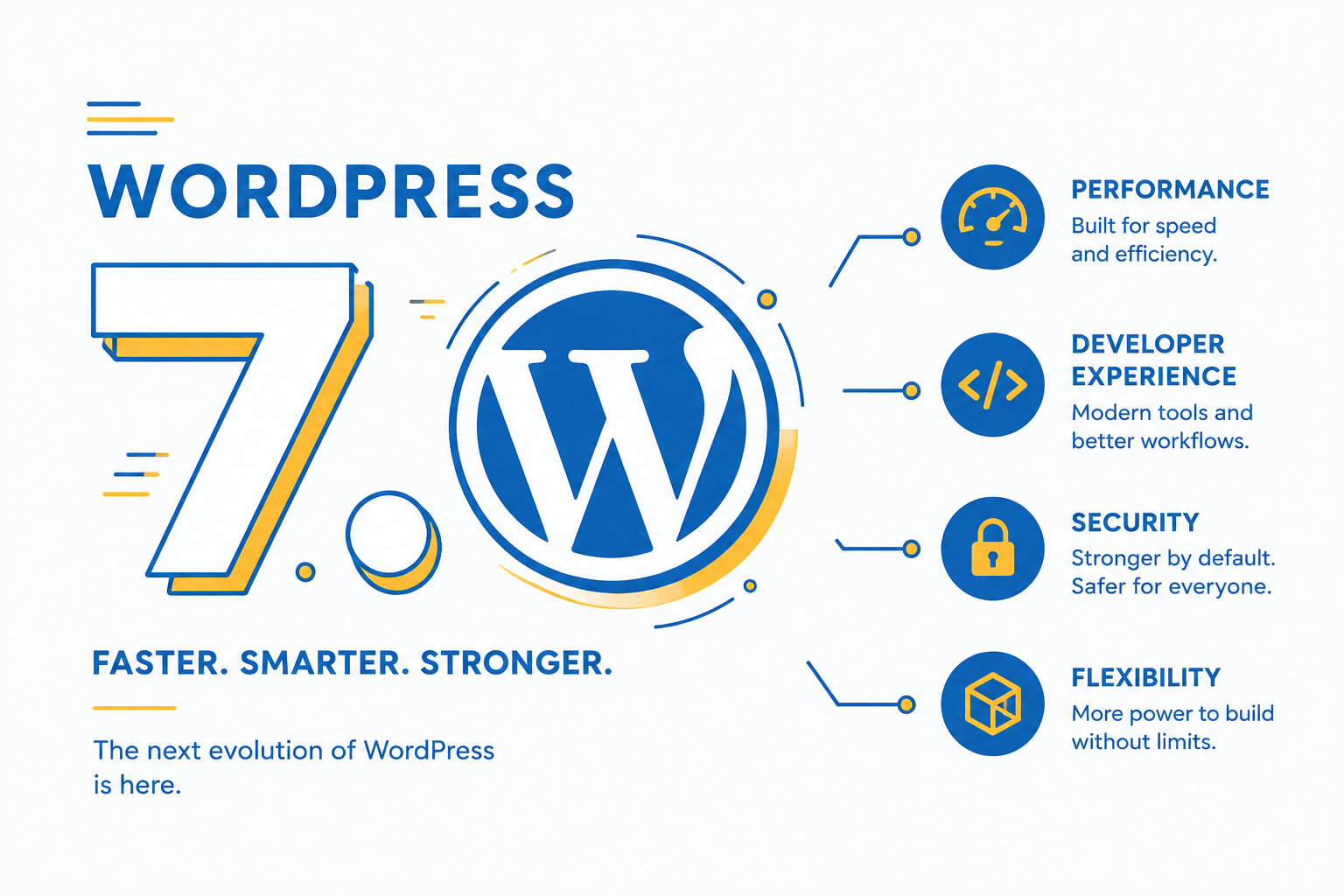
WordPress 7.0 has officially arrived, bringing one of the biggest updates the platform has seen in recent years. From major block editor improvements and performance optimizations to new developer tools and enhanced customization options, the latest WordPress core update introduces several features designed to improve the experience for both beginners and professionals.
Whether you are a website owner, developer, blogger, or agency, understanding the latest WordPress 7.0 features can help you take full advantage of the platform’s newest capabilities.
In this complete guide, we will explore everything new in WordPress 7.0, including the beta releases, major changes, performance improvements, and what this update means for the future of WordPress.
What Is WordPress 7.0?
WordPress 7.0 is the latest major release of WordPress in 2026. This version focuses heavily on performance, block editor improvements, modern development workflows, accessibility enhancements, and better site customization.
The update builds upon the improvements introduced in previous versions while refining the Full Site Editing experience and improving overall usability for content creators and developers alike.
This release also continues WordPress’s transition toward a more visual and flexible website building experience.
WordPress 7.0 Beta 1 & Beta 2 Updates
The WordPress 7.0 beta cycle introduced several experimental features and important improvements.
WordPress 7.0 Beta 1 Features
The first beta release mainly focused on:
- Block editor refinements
- Improved site editing tools
- Better typography controls
- Enhanced template management
- Performance optimization testing
- Accessibility updates
Beta 1 gave developers an early look into the direction WordPress 7.0 was taking.
WordPress 7.0 Beta 2 Features Update
The second beta release focused more on stability and compatibility improvements, including:
- Faster editor loading times
- Improved block responsiveness
- Better theme.json support
- Updated APIs for plugin developers
- Bug fixes from Beta 1 feedback
- Improved media handling
The Beta 2 update also refined several UI components to create a smoother editing experience.
Major WordPress 7.0 Features
It introduces several important features that improve flexibility, speed, and usability.
1. Faster Performance Across the Dashboard
Performance remains one of the biggest priorities in WordPress 7.0.
Users may notice:
- Faster admin dashboard loading
- Reduced editor lag
- Better database query optimization
- Improved page rendering speed
- Enhanced caching compatibility
These improvements help websites feel more responsive while also benefiting SEO and user experience.
2. Improved Gutenberg Block Editor
The Gutenberg editor continues to evolve with ongoing improvements, bringing a more refined, flexible, and user friendly editing experience.
New block editor improvements include:
- Better drag and drop behavior
- Improved spacing controls
- Advanced typography settings
- Cleaner toolbar organization
- More responsive design controls
- Better reusable block management
These updates make it easier to create professional layouts without relying heavily on page builders.
3. Enhanced Full Site Editing (FSE)
Full Site Editing receives major refinements in WordPress 7.0.
Users can now customize:
- Headers
- Footers
- Templates
- Navigation menus
- Archive layouts
- Global styles
The editing experience is now more intuitive, helping users design entire websites visually.
4. Better Accessibility Features
Accessibility improvements are another major focus, enhancing usability, navigation, and overall user experience across the platform.
The update includes:
- Improved keyboard navigation
- Better screen reader compatibility
- Enhanced color contrast support
- Cleaner form accessibility
- Improved admin usability
These changes help make WordPress websites more usable for everyone.
5. Developer Friendly Improvements
WordPress introduces several updates for developers and agencies, improving workflows, flexibility, and overall development experience.
Key developer improvements include:
- Expanded Block API functionality
- Better theme.json flexibility
- Improved REST API handling
- New hooks and filters
- Enhanced debugging tools
- Better compatibility testing tools
These features help developers build faster and more scalable WordPress solutions.
New Connectors for External Integrations
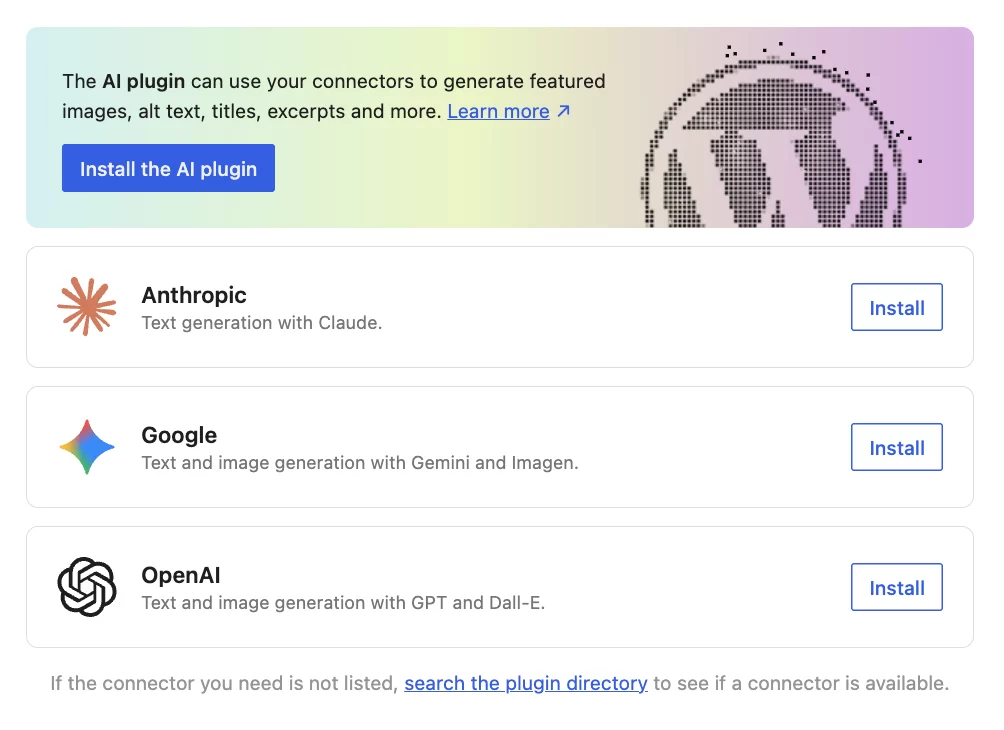
WordPress 7.0 introduces new Connectors inside the Settings panel that allow smoother integration with external tools and services. This feature makes it easier to connect WordPress with third party platforms such as APIs, automation tools, and external applications without relying heavily on custom development.
With Connectors, developers and site owners can build more connected workflows, improve automation, and extend WordPress functionality beyond traditional plugin based systems. It is especially useful for modern websites that depend on multiple digital tools working together in real time.
6. Security Improvements in WordPress 7.0
WordPress 7.0 includes important security enhancements to make websites safer and more stable. It improves authentication handling, permission checks, and core system protection to reduce common vulnerabilities.
The update also strengthens file integrity checks, helping detect any unusual or unauthorized changes more effectively. Overall, these improvements provide a more secure foundation for all WordPress websites.
7. Plugin & Theme Compatibility
WordPress 7.0 improves compatibility with existing plugins and themes, reducing the chances of conflicts during updates. Most websites should experience a smoother upgrade process with fewer issues.
Developers also benefit from updated APIs and better core support, but it is still recommended to test updates on a staging site before applying them live, especially for custom setups.
WordPress 7.0 Performance Improvements
Performance optimization is one of the strongest aspects of this release.
Some of the biggest improvements include:
- Optimized database queries
- Better image handling
- Reduced JavaScript execution
- Faster block rendering
- Improved lazy loading
- Better script management
These enhancements can improve both Core Web Vitals and search engine rankings.
Changes Removed Before Final Release
One interesting aspect of the WordPress 7.0 release was the delay of some highly anticipated collaborative editing features.
Initially, WordPress planned to introduce real time collaboration tools similar to Google Docs. However, these features were postponed before the final release to ensure stability and avoid compatibility issues.
This decision allowed the WordPress team to focus on delivering a more polished and reliable core update.
WordPress 7.0 for Website Owners
If you manage a business website, ecommerce store, blog, or agency website, WordPress 7.0 offers several practical benefits.
Benefits include:
- Faster website management
- Improved design flexibility
- Better editing experience
- Stronger security foundation
- Improved plugin compatibility
- Better long term scalability
For many users, this update simplifies website management while improving overall performance.
Should You Update to WordPress 7.0?
In most cases, yes.
However, before updating:
- Create a full backup
- Test plugin compatibility
- Update themes and plugins
- Use a staging environment if possible
- Check custom code functionality
Large WordPress updates can occasionally create compatibility issues with outdated plugins or themes, so proper testing is important.
How to Safely Update to WordPress 7.0
Follow these steps for a safe update process:
- Backup your website completely
- Update all plugins and themes
- Test your website on staging
- Update WordPress core
- Check forms, menus, and layouts
- Monitor performance after updating
A careful update process helps avoid downtime and compatibility issues.
Final Thoughts
WordPress 7.0 is one of the most important WordPress releases in recent years. The update focuses on improving performance, refining the block editor, enhancing Full Site Editing, and providing better tools for both developers and content creators.
While some advanced collaborative features were delayed, the final release still delivers meaningful improvements that modernize the WordPress experience significantly.
If you are already using WordPress, upgrading to the latest version can help improve your website’s speed, usability, flexibility, and long term maintainability.
As WordPress continues evolving toward a more visual and customizable platform, WordPress 7.0 lays the foundation for the next generation of website building.